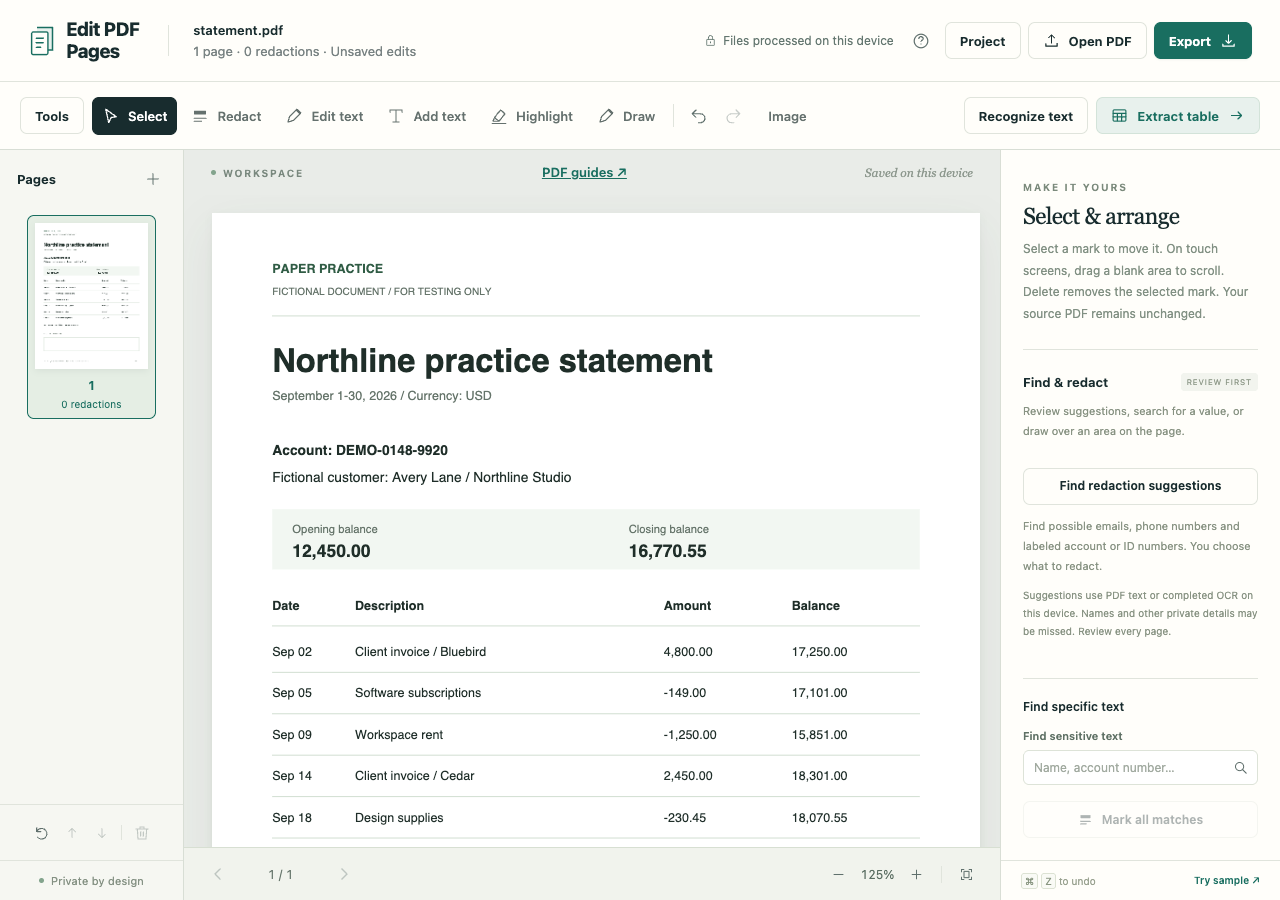
The statement is ready to send, but the notes page does not belong in the packet. Delete that page from the workspace and export the remaining one. If you want to keep the workspace intact and download only selected pages, use Split / extract instead.
Remove the notes page
Open the fictional sample statement in the PDF workspace.
- Select page 2 in the thumbnail list and read its heading in the large preview.
- Choose the trash button labeled Delete current page below the thumbnails.
- Check that only the statement page remains. Use Undo if you removed the wrong one.
The final page cannot be deleted, so the control is now disabled. The keyboard's Delete key removes a selected annotation, not a PDF page; use the thumbnail-area control for page deletion.
Check the shortened packet
For ordinary cleanup, choose Export, set the format to PDF and select Preserve PDF structure, then Create PDF. Source text and vector graphics on retained pages are preserved. The original PDF on disk stays unchanged.
Open the download and confirm it has one page with the expected heading. In a longer document, inspect each join where pages were removed. Printed page numbers, contents lists and references to an appendix do not update automatically when workspace pages disappear.
If the removed page held private information
Preserve mode can keep metadata, attachments and hidden source objects. Removing a page from the visible packet does not establish that its data has been purged from the file.
Choose Sanitized image-only PDF when you need a fresh PDF built from the retained pages without copying source objects. This also removes selectable text, searchable OCR, interactive forms and links. Redactions or replacements anywhere in the workspace force this export path.
Review the retained pages for repeated details. An account number removed with a summary page may still appear in another header; mark those details for redaction before exporting.