Conversion
Compress a PDF on your device
See whether your PDF can be made smaller while keeping its text, links and forms. Compare the actual result before downloading.
or drop a PDF here
One PDF · up to 60 MB and 200 pages
Files stay on this device. No account required.
How to use this tool
Compress a PDF on your device in three steps
Start with Lossless
Open the PDF and keep the default Lossless setting to recompress its streams without changing image quality.
Compare the result
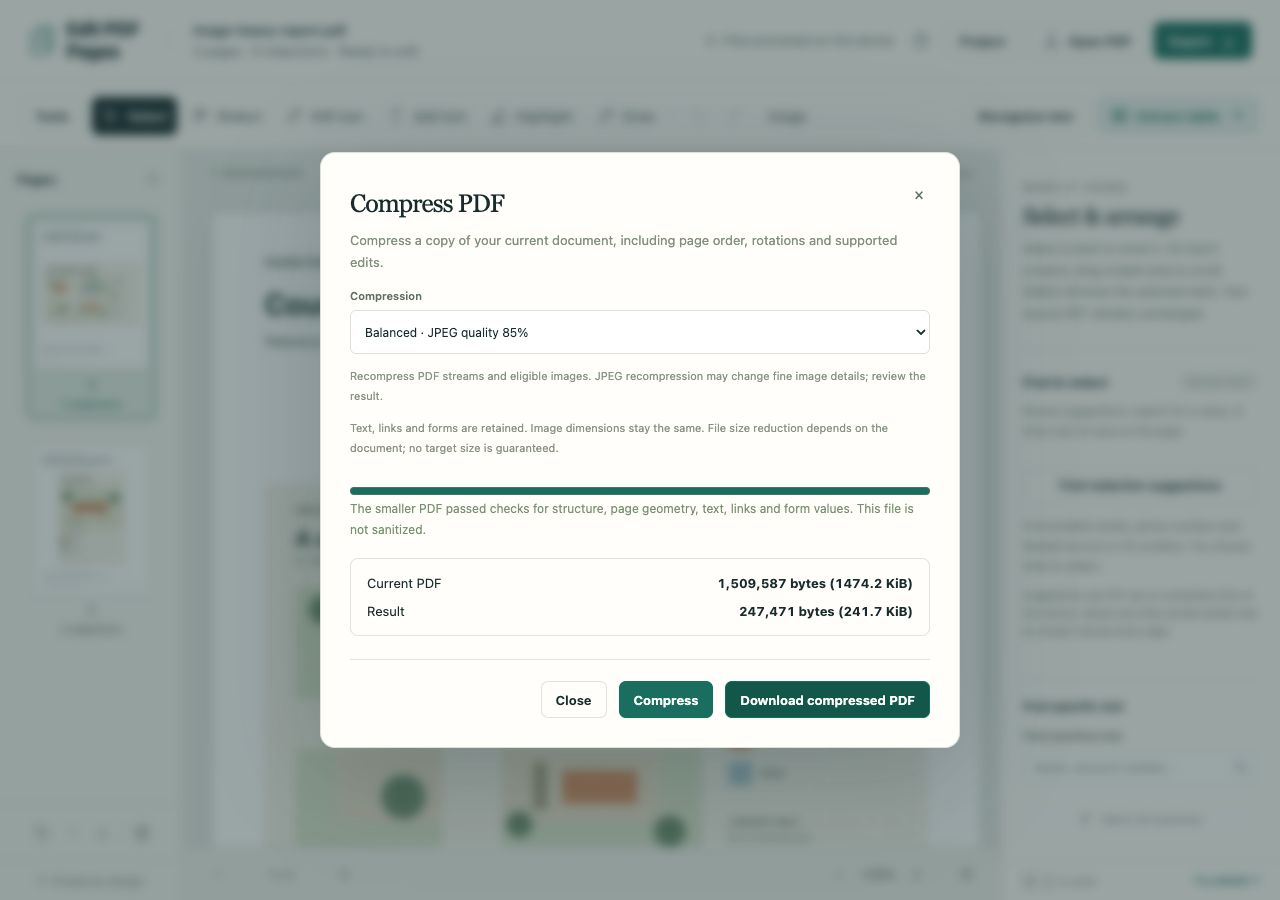
Run compression and compare the current PDF with the result. Balanced also recompresses eligible images at JPEG quality 85; review fine image details.
Download and check
Download the smaller result, or the unchanged current PDF if no reduction was achieved. Reopen it and check the pages that matter.
What to check before you share
- There is no promised target size or guaranteed reduction. Image dimensions stay the same; compression does not downsample them.
- The baseline includes the current workspace order, rotations and supported edits. Preserved output can retain hidden source content.
- Redactions or replacement edits require sanitized output, so preservation compression is unavailable for those workspaces.