Pages
Split a PDF or extract selected pages
Keep a few pages together, separate a report from its appendix, or divide a long PDF into smaller groups. Preview the page plan before downloading copies.
or drop a PDF here
One PDF · up to 60 MB and 200 pages
Files stay on this device. No account required.
How to use this tool
Split a PDF or extract selected pages in three steps
Choose the operation
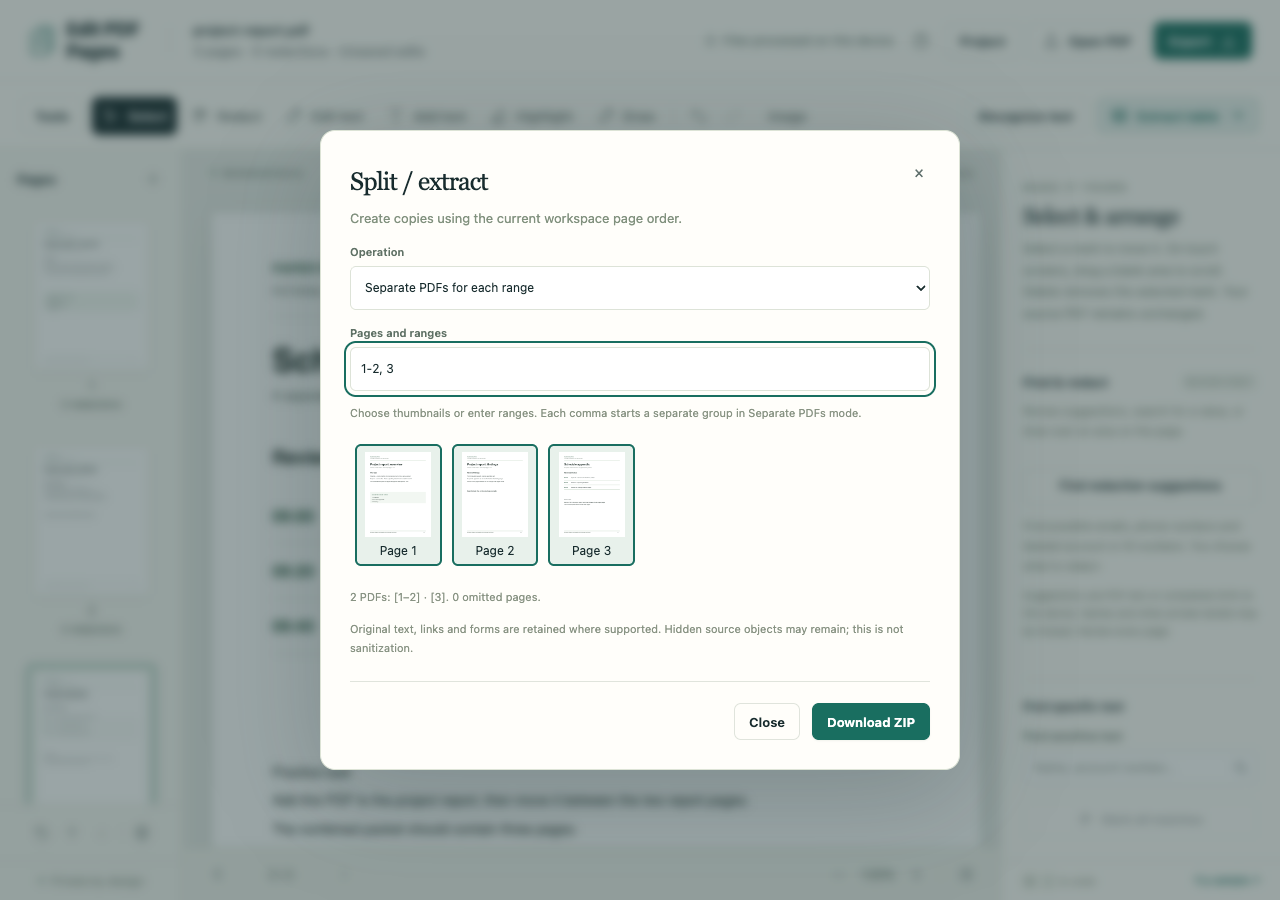
Open a PDF and select one result for selected pages, separate results for ranges, or a split every N pages.
Check the page plan
Select thumbnails or enter ranges such as 1–3, 7–9. Numbers refer to the current workspace order. Check the resulting groups and omitted-page count.
Download the copies
Download one PDF directly or several numbered PDFs in a ZIP. The workspace, undo history and saved project remain unchanged.
What to check before you share
- Ranges must be ascending, within the document and free of overlaps. Reorder pages in the workspace before splitting if needed.
- Any redaction or replacement edit anywhere in the workspace forces sanitized image-only results.
- Preserved subsets can retain hidden source objects. Extracting fewer visible pages is not sanitization.
Raster exports are limited to 80 million pixels in total. Downloadable output is limited to 120 MiB.