Scans and tables
Make a scanned PDF searchable
Turn an English scan into a PDF you can search. Recognition adds text behind the page image; it does not correct the words printed on the scan.
or drop a PDF here
One PDF · up to 60 MB and 200 pages
Files stay on this device. No account required.
How to use this tool
Make a scanned PDF searchable in three steps
Choose the pages to recognize
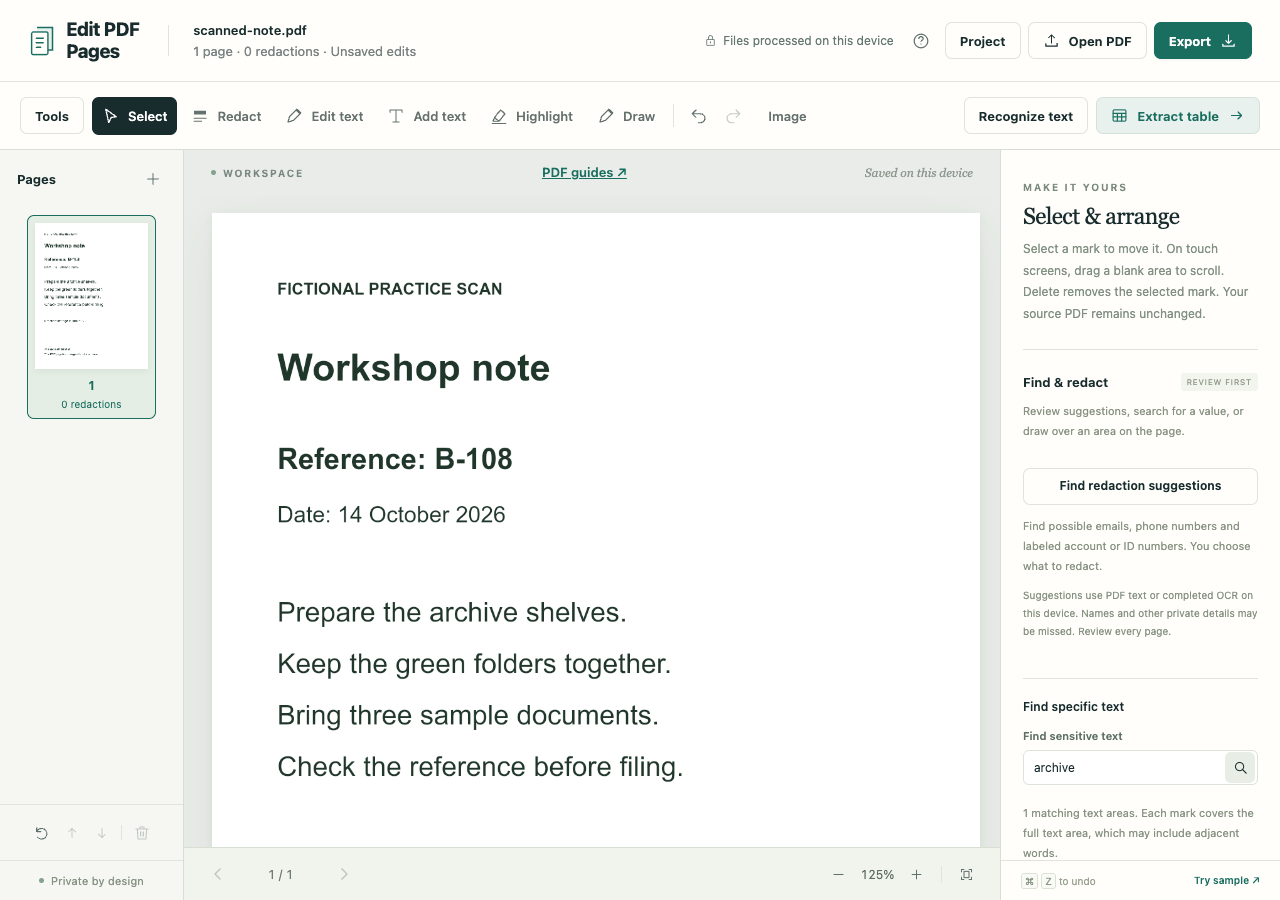
Open your scan, then choose the current page or all pages in Recognize text. Pages that already contain text are skipped unless you request recognition again.
Review the recognized words
Run recognition and check names, reference numbers and amounts. Try searching for a few words you can see on the page.
Keep the searchable layer
Open PDF export, choose Preserve PDF structure and include recognized text. Reopen the download and test its search.
What to check before you share
- Only English OCR is included. Blurred scans, unusual layouts and handwriting can produce missing or incorrect words.
- Recognition changes the searchable layer, not the visible scan. To change the visible words, use Edit a scanned PDF.
- Redactions or replacement edits require sanitized output, which removes the searchable layer. Preserved output can retain hidden source content.