Scans and tables
Extract PDF tables to Excel or CSV
Turn a PDF table into cells you can review. Check the rows against the original, correct the result and download a spreadsheet.
or drop a PDF here
One PDF · up to 60 MB and 200 pages
Files stay on this device. No account required.
How to use this tool
Extract PDF tables to Excel or CSV in three steps
Find the table text
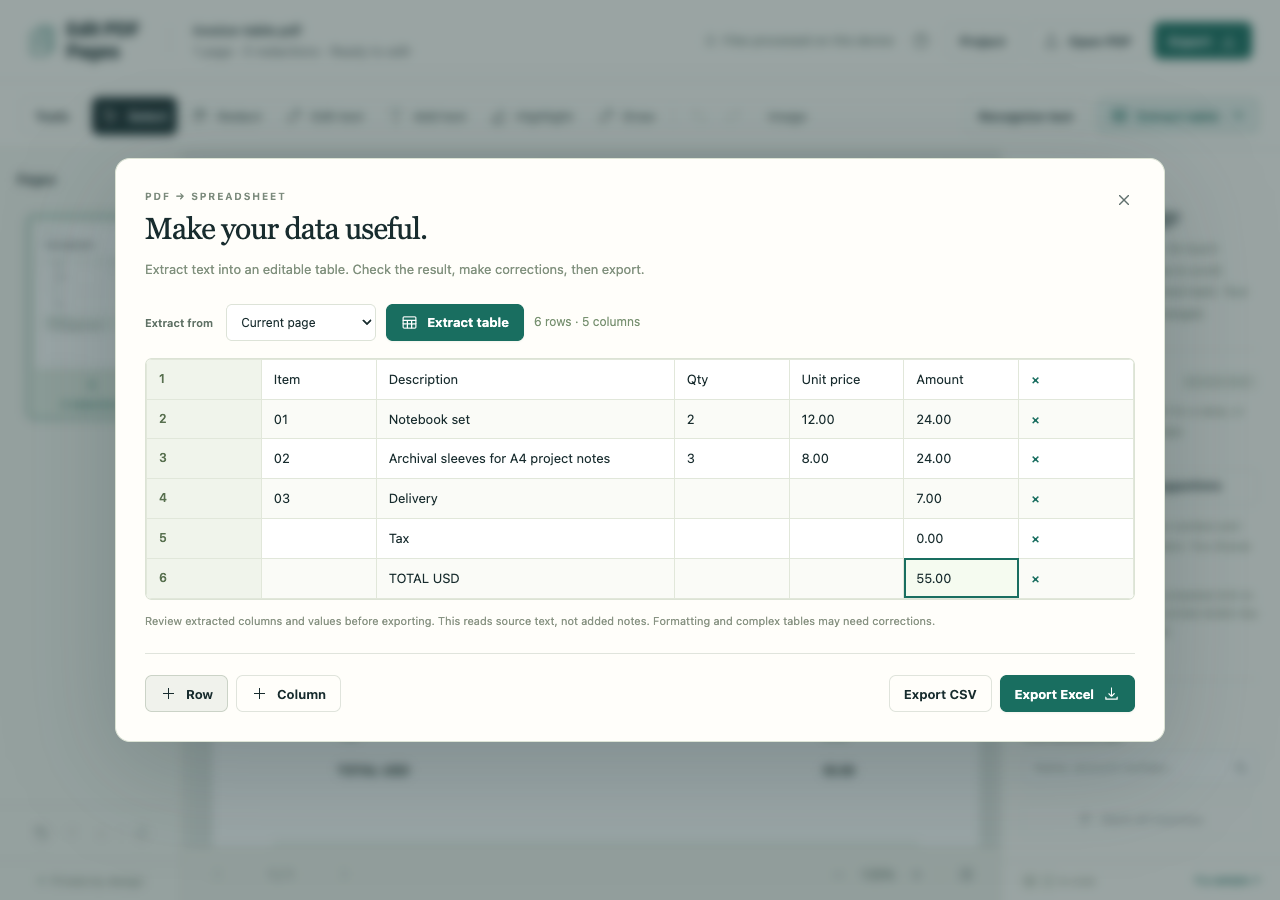
Open the PDF and choose Extract table. English scans need Recognize text first; selectable text can be extracted directly.
Repair the result
Compare every row and column with the source. Add missing rows, fix wrapped descriptions and check dates, signs and totals.
Download the spreadsheet
Export Excel or CSV and inspect the downloaded cells. Export before changing the PDF if you want to keep your table corrections.
What to check before you share
- Extraction is approximate. It can select a totals block and miss the item rows; a successful download does not establish a complete conversion.
- Entire pages with redactions or replacement edits are excluded from table extraction.
- Table edits are temporary and are not saved in projects, drafts or undo. CSV formula-like text is neutralized and XLSX text is stored as literal strings.